 ✓
📋
⏱
✓
📝
✓
📋
⏱
✓
📝
TickMeOff
Too many interests? Get them all done!
macOS · iOS · iPadOS
Cloud or local
Pomodoro Timer
Free to use
✓
📋
⏱
✓
📝
Too many interests? Get them all done!
TickMeOff is planning made for creatives who prefer to flow over deadline guilt. Create your space based on your personal context and areas of interest, and start jotting down ideas whenever they arise.
Planning here isn't a “due date” action — it's an evolution. You have the spark, the project evolves, and when you're ready, it can just start. No reshuffling a pile of scheduled tasks.
That website you want to check out later, or the photo you need for a project, can all be shared to the app and become projects or searchable references. Meeting notes and written ideas can be processed into projects or tasks using Apple Intelligence–powered features* like Plan mode and Refine Project actions.
Your projects and files shouldn't be locked in one place — it's your personal data. Everything lives as human-readable Markdown on disk, and Mirror Folder keeps those files in storage you trust, so you can create backups or let your AI agents build deeper integrations. All of this with no extra account or subscription, so you're always in control.
And about those cool things you want to achieve? Tick them all off.
Beautifully native on Mac, iPhone, and iPad.
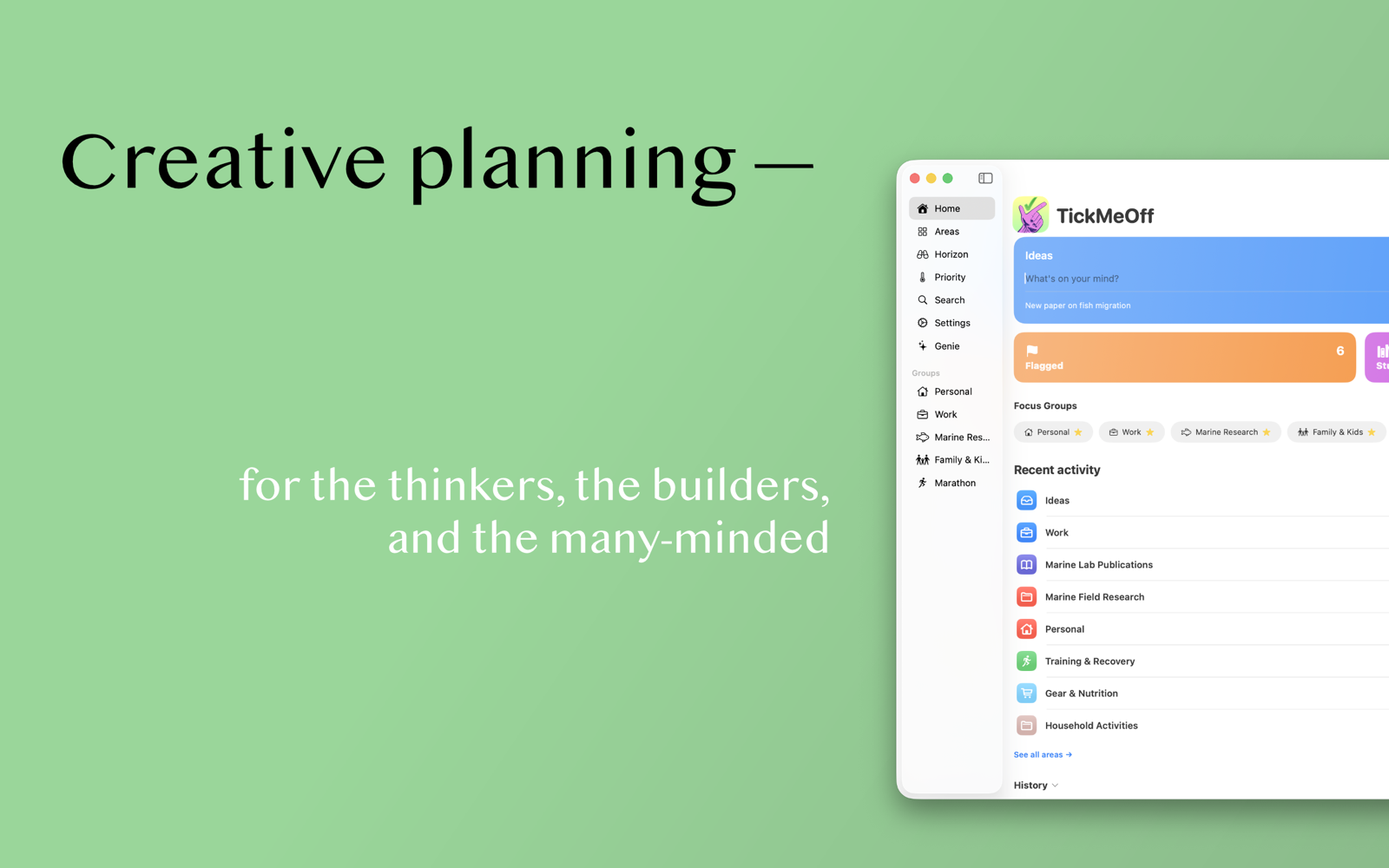
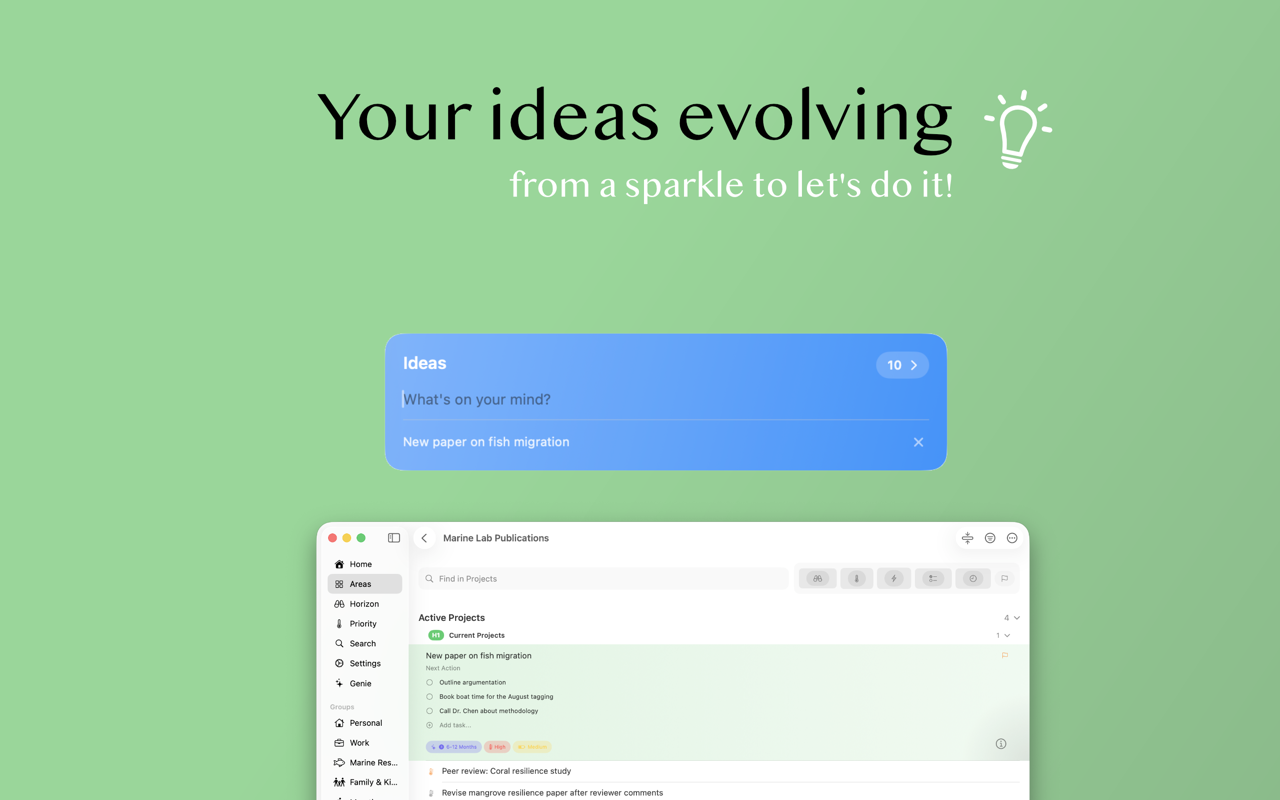
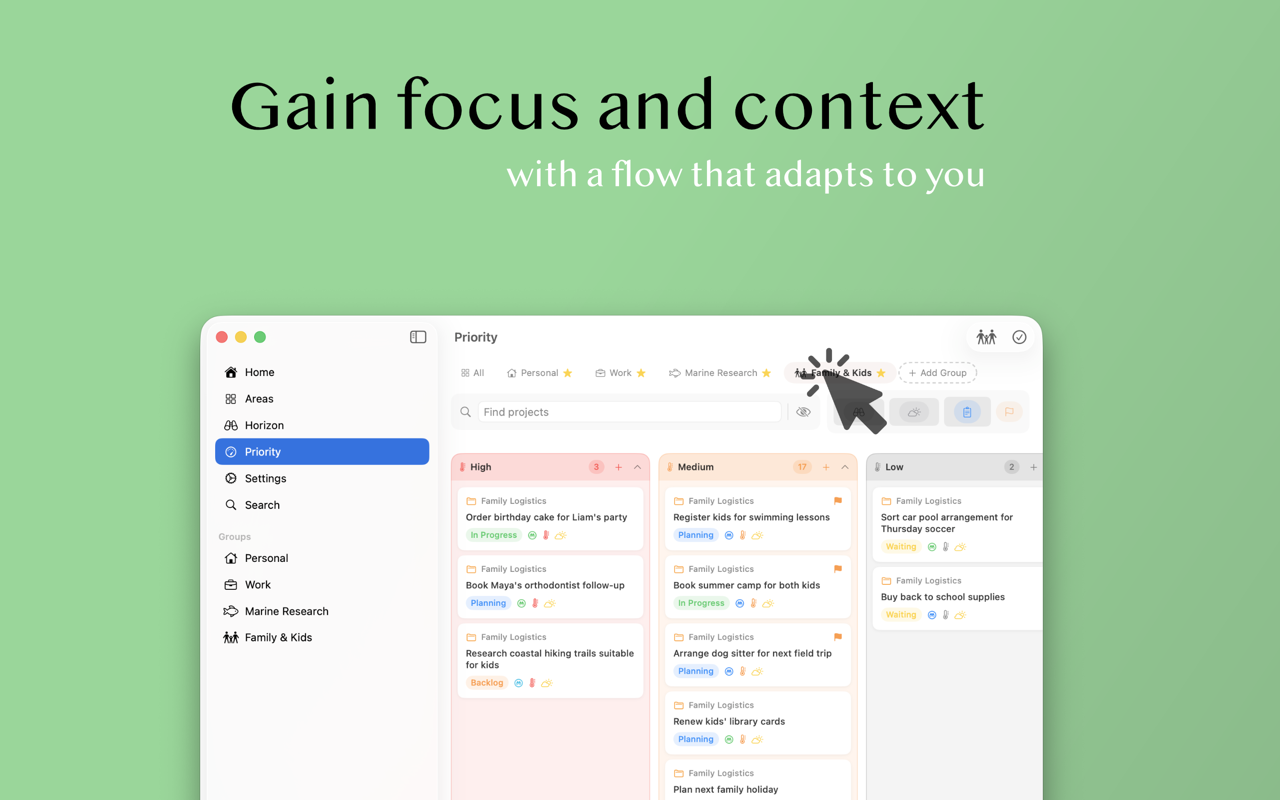
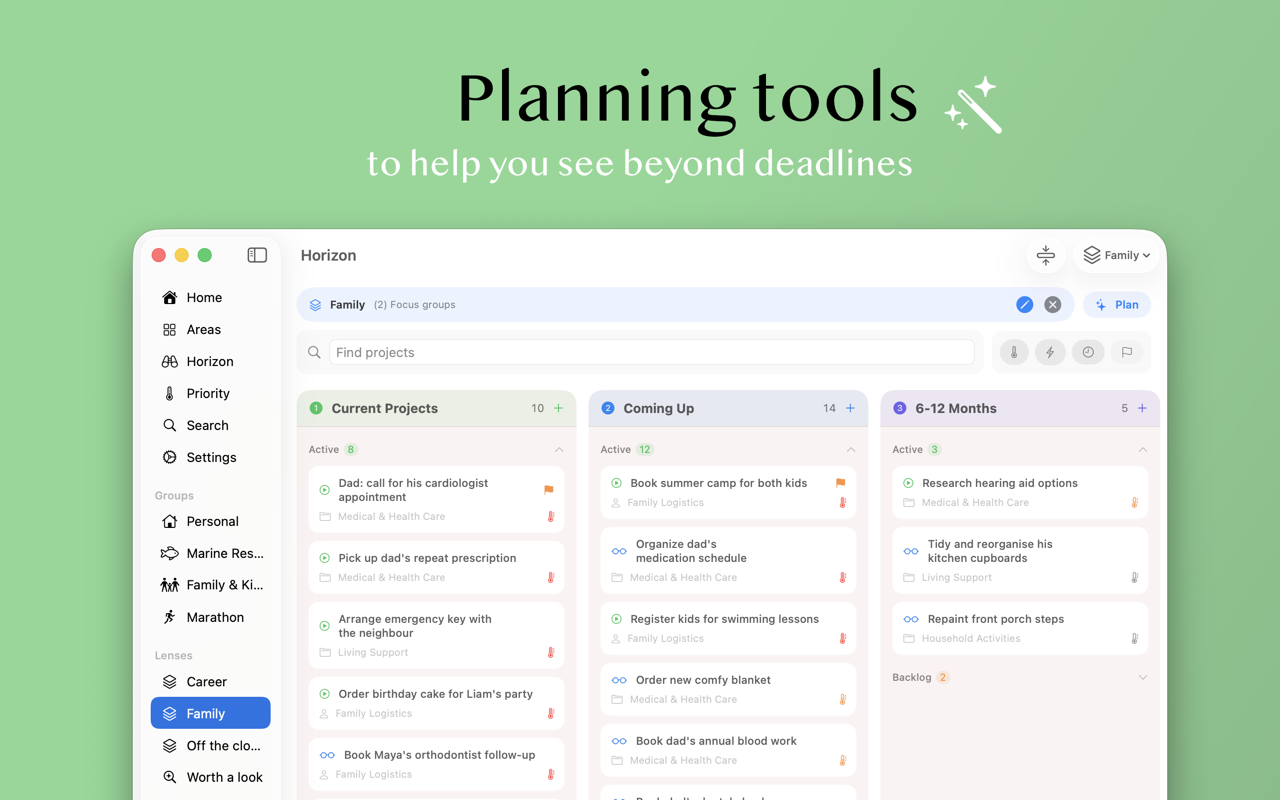
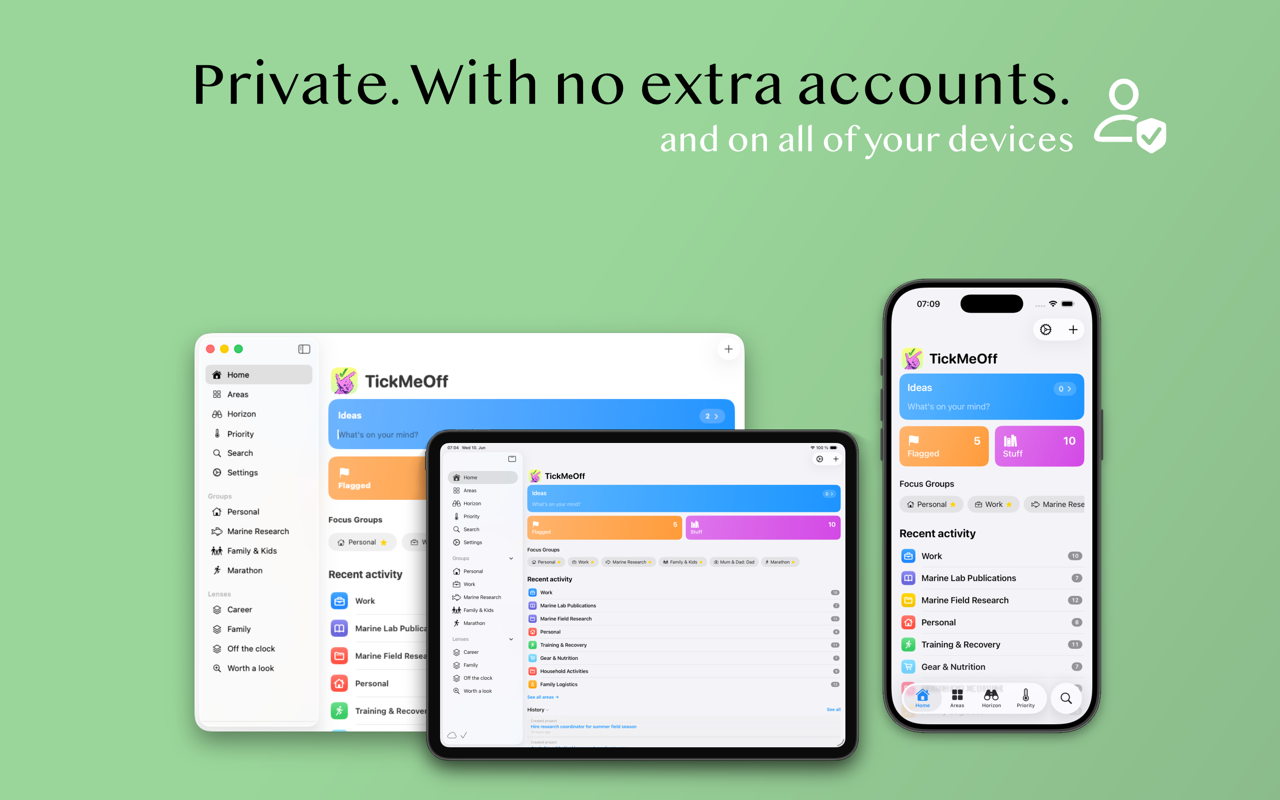
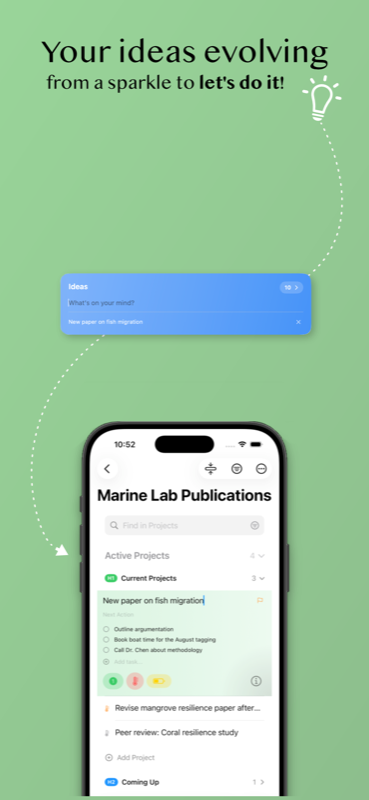
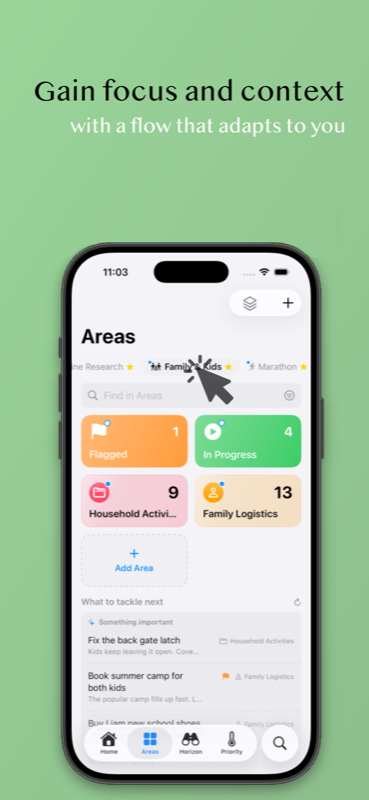
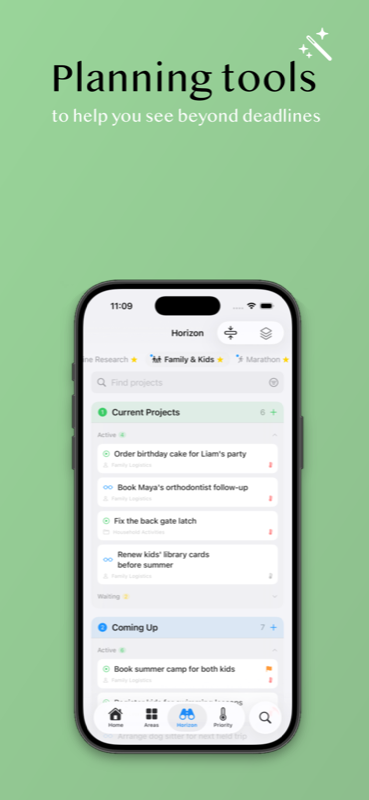
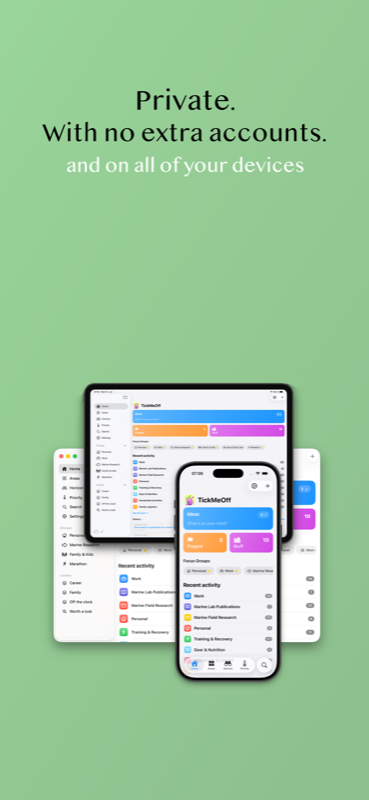
Creativity is about flow, not just checking boxes. TickMeOff replaces the pressure of the deadline with the clarity of context.
| Areas & Focus Groups | Group projects by context so you see only what matters, when it matters. |
| Horizons | Projects evolve from a “Maybe Someday” spark to an active goal. |
| Stay in context | Your workspace only shows what's relevant now, based on your areas of interest and groups. |
| Roles & Lenses | Define your workflow by creating flexible ways to visualize your projects. |
| Share-in (WebClip & references) | Share links, photos, or notes; content lands in your projects as projects or searchable references. |
| Apple Intelligence* | Extract tasks from a brain-dump, suggest where an idea belongs, and surface what's worth tackling next — on-device. |
| Smart Suggestions | A hint when you're unsure where an idea goes or what's next — never a demand. |
| Integrated Pomodoro | A built-in timer keeps you in the zone without leaving your project. |
| Weekly Review & GTD essentials | Tools to help you plan without forcing a rigid workflow. |
| iCloud Sync | Everything in sync across iPhone, iPad, and Mac. |
| Mirror Folder | Your projects live as human-readable Markdown in a folder you control; edit them in TickMeOff, any text editor, or with AI. |
| Total privacy | No accounts, no tracking, no data lock-in. |
| Free first | Full-featured for free, with optional “treats” to support independent development. |
* Apple Intelligence features are available on supported devices.