JourDo app icon — a music note, a ball, and a bike wheel on a sunrise Morning run Practice · 40 min How today went Day off

JourDo

memorable habits

iPhone · iPad · Mac iCloud sync No account iOS 18+ · macOS 15+
Coming to the App Store In development. Questions or ideas?

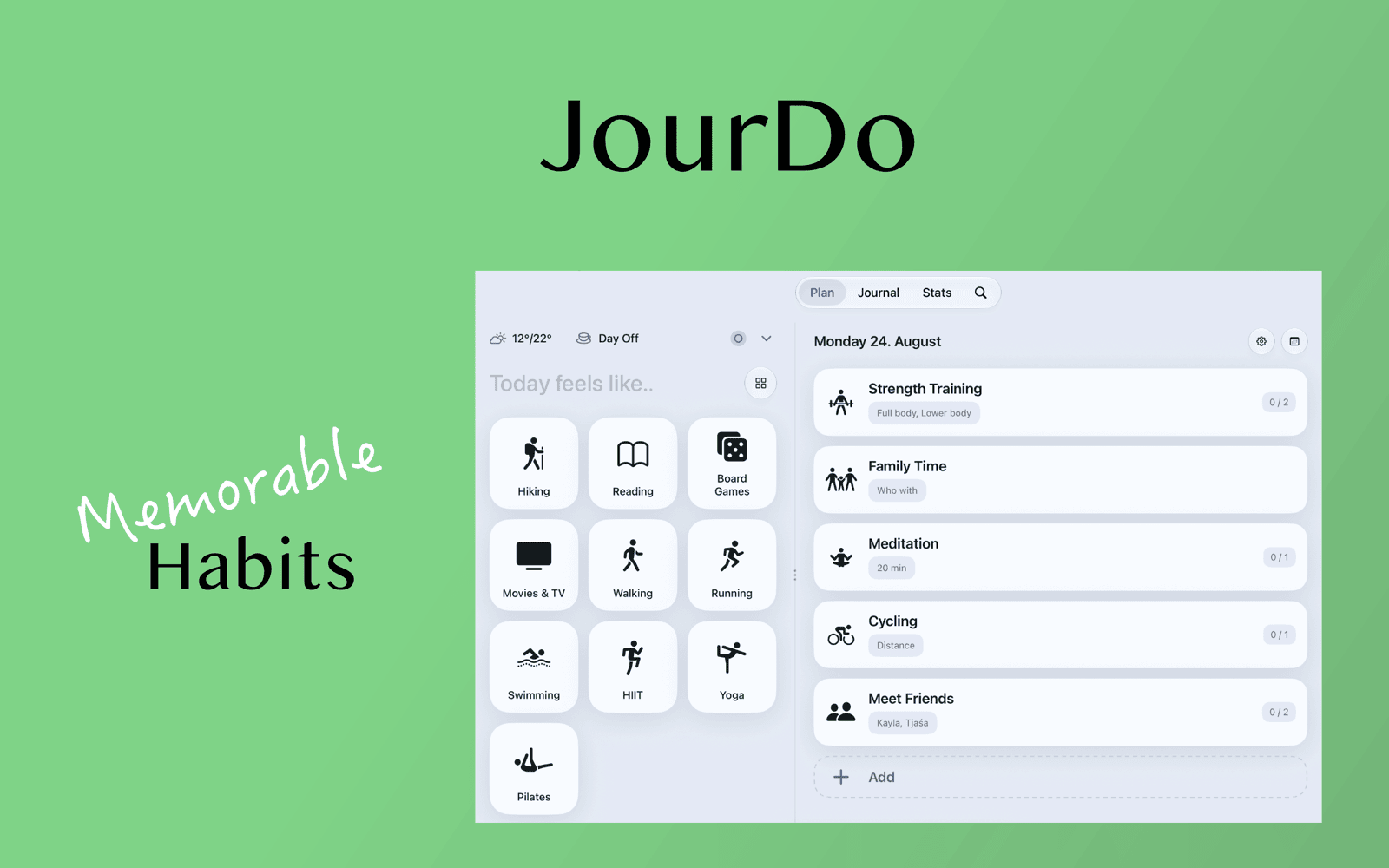
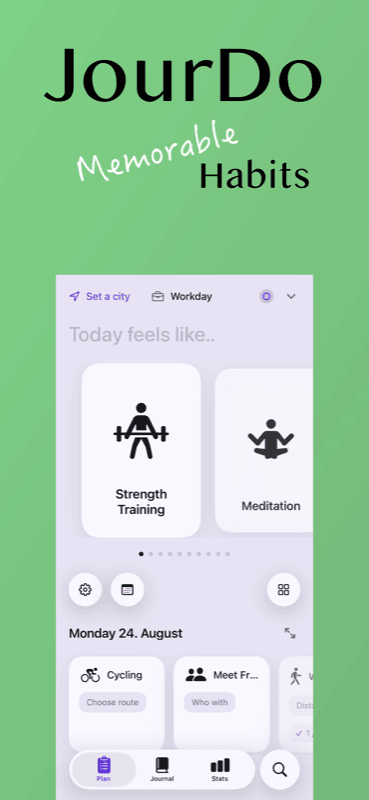
Most days are two records kept apart: a to-do list of what you meant to do, and a journal of how it felt. JourDo keeps one. Frame the day, add the activities that belong to it, log and time them as you go — and write the note that turns the list into a day you'll recognise later.

Two halves of the same day

Jour

The journal

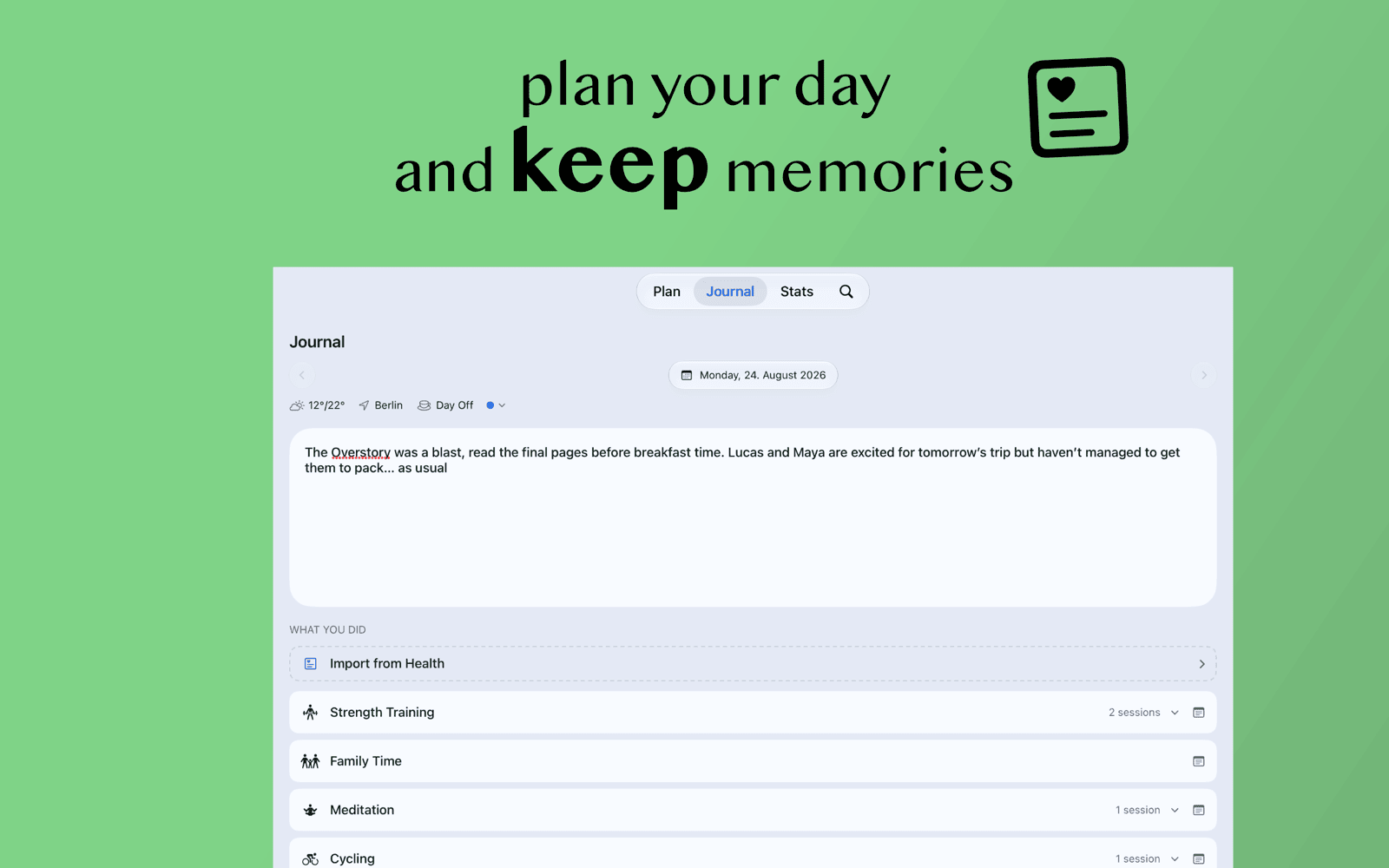
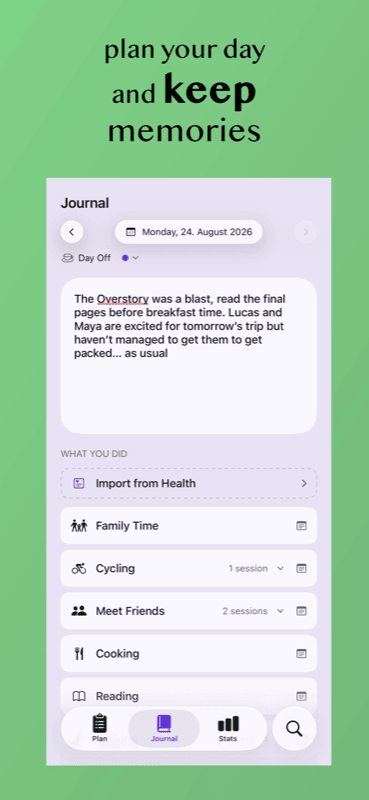
One free-form note per day, with the photos you took. No blank page to face: what you actually did is sitting right there next to it.

Do

The doing

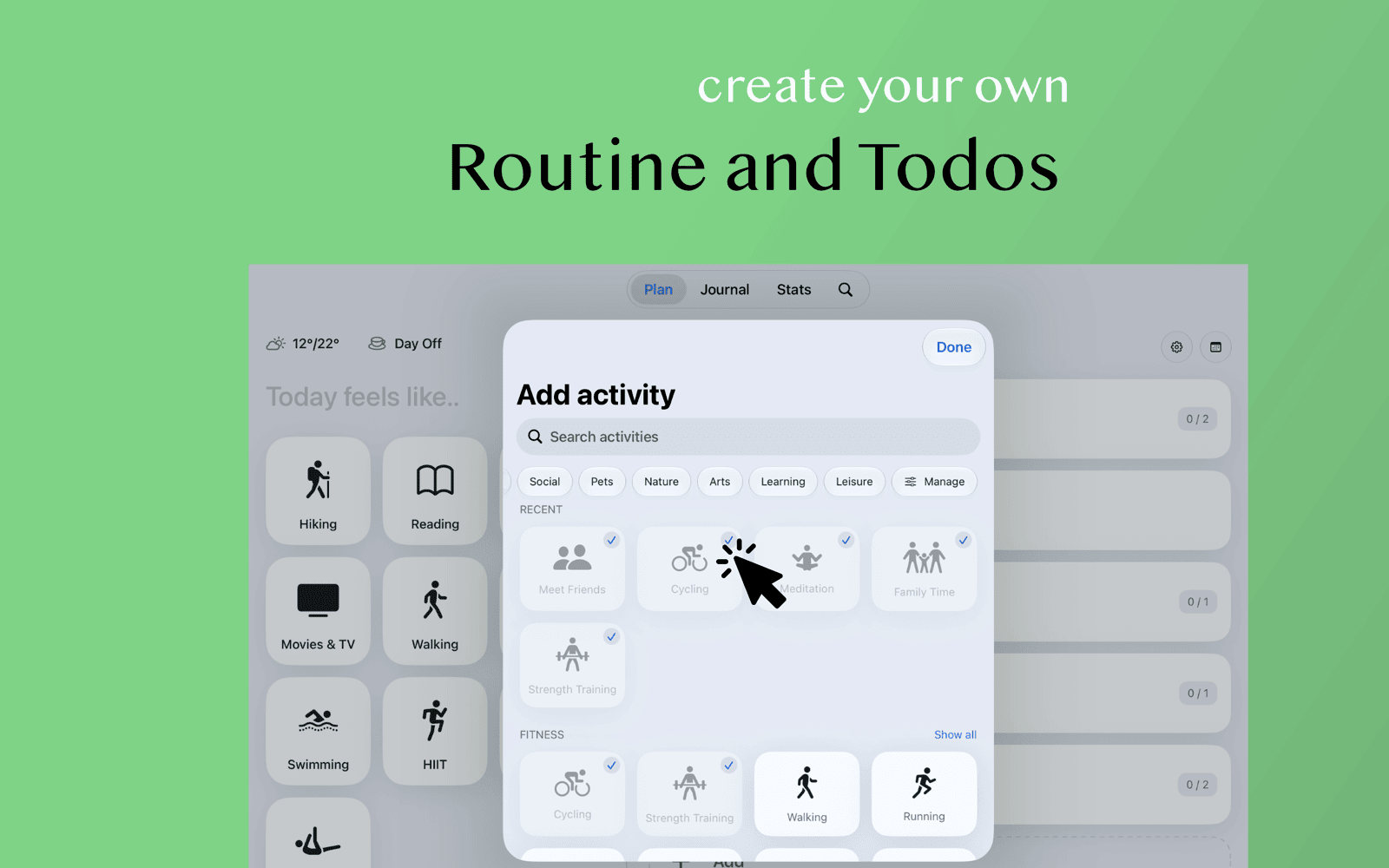
Activities picked from a catalog you can extend, sessions with goals and what you really managed, and a timer that keeps counting wherever you go.

How a day works

1

Frame it

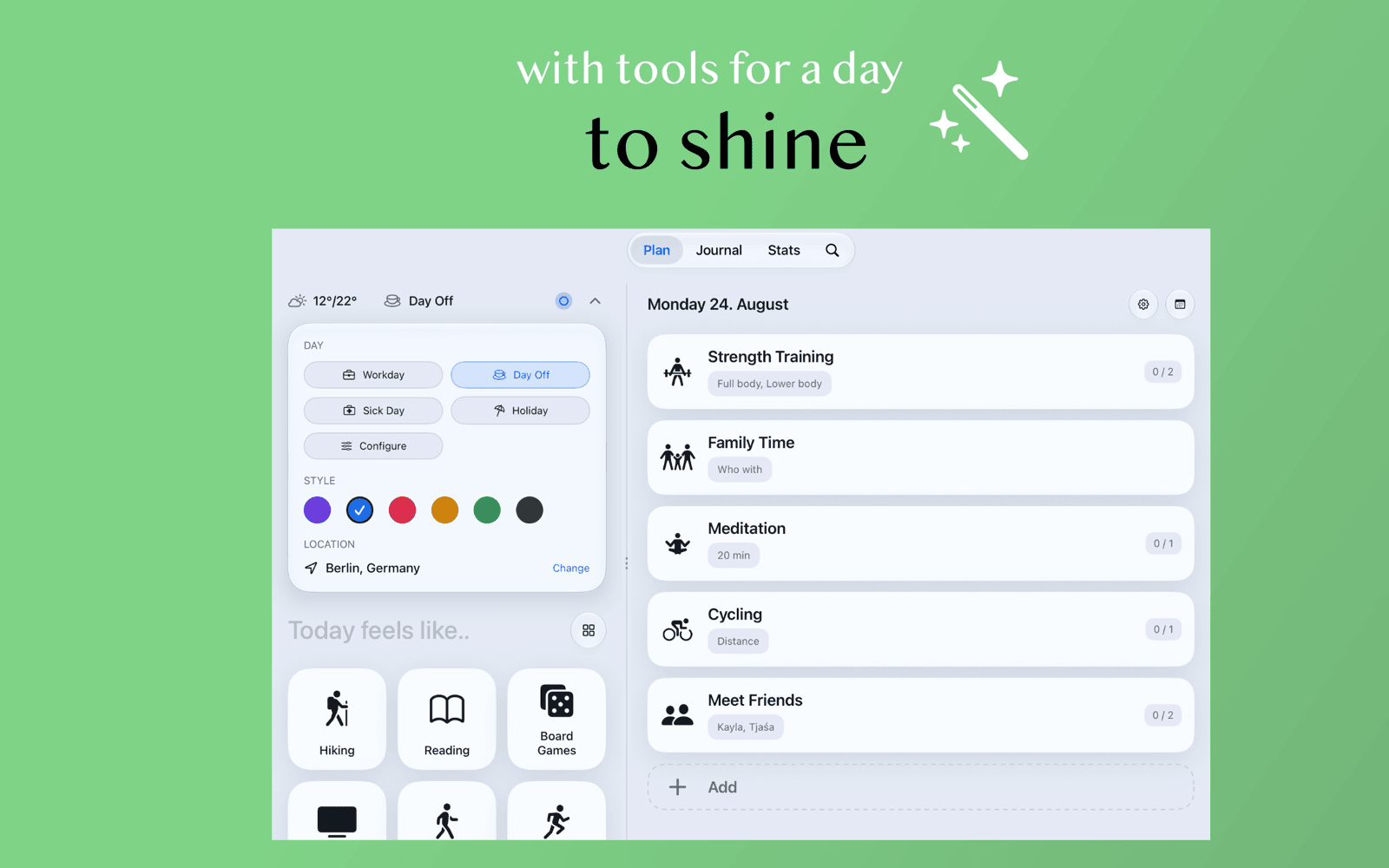
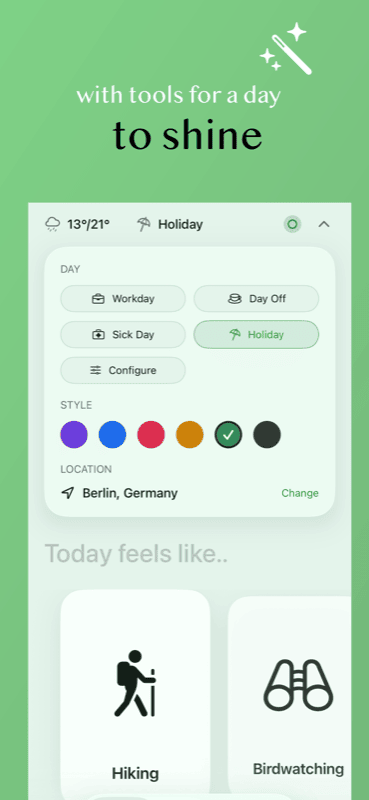
Workday, day off, sick day, or away — the day type shapes what's suggested.

2

Fill it

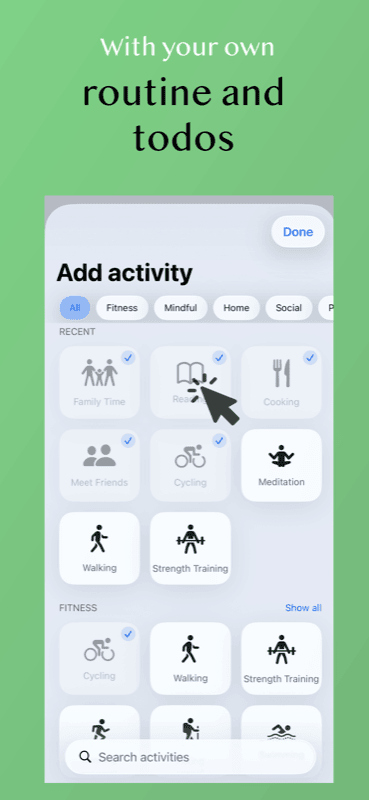
Add activities from the catalog, or ones you made yourself.

3

Log it

Tick off sessions, record distance or duration, start a timer.

4

Write it

Add the day's note and photos while the day is still fresh.

What's inside

Day types

Every day is framed as committed, free, sick, or away — with your own labels on top.

Activity catalog

A built-in library across eight life areas, plus your own activities and categories.

Sessions & goals

Name what you're doing, set a target, record what you actually did.

Time tracking

Start a timer and leave — it lives on the Lock Screen and Dynamic Island, and can't drift.¹

Note & photos

One note per day with the pictures you choose, next to what the day was made of.

Workouts from Health

Pull in a ride or a row you already tracked instead of typing it twice.²

Yours, on your devices

No account and no sign-up. Your days live on your iPhone, iPad, and Mac, and sync through your own private iCloud — never through a server of mine.

¹ Live Activities on the Lock Screen and Dynamic Island are iPhone-only. The timer itself works everywhere.

² Workout import reads from Apple Health on iPhone. Nothing is ever written back to Health.